PCIe/USB Adapter
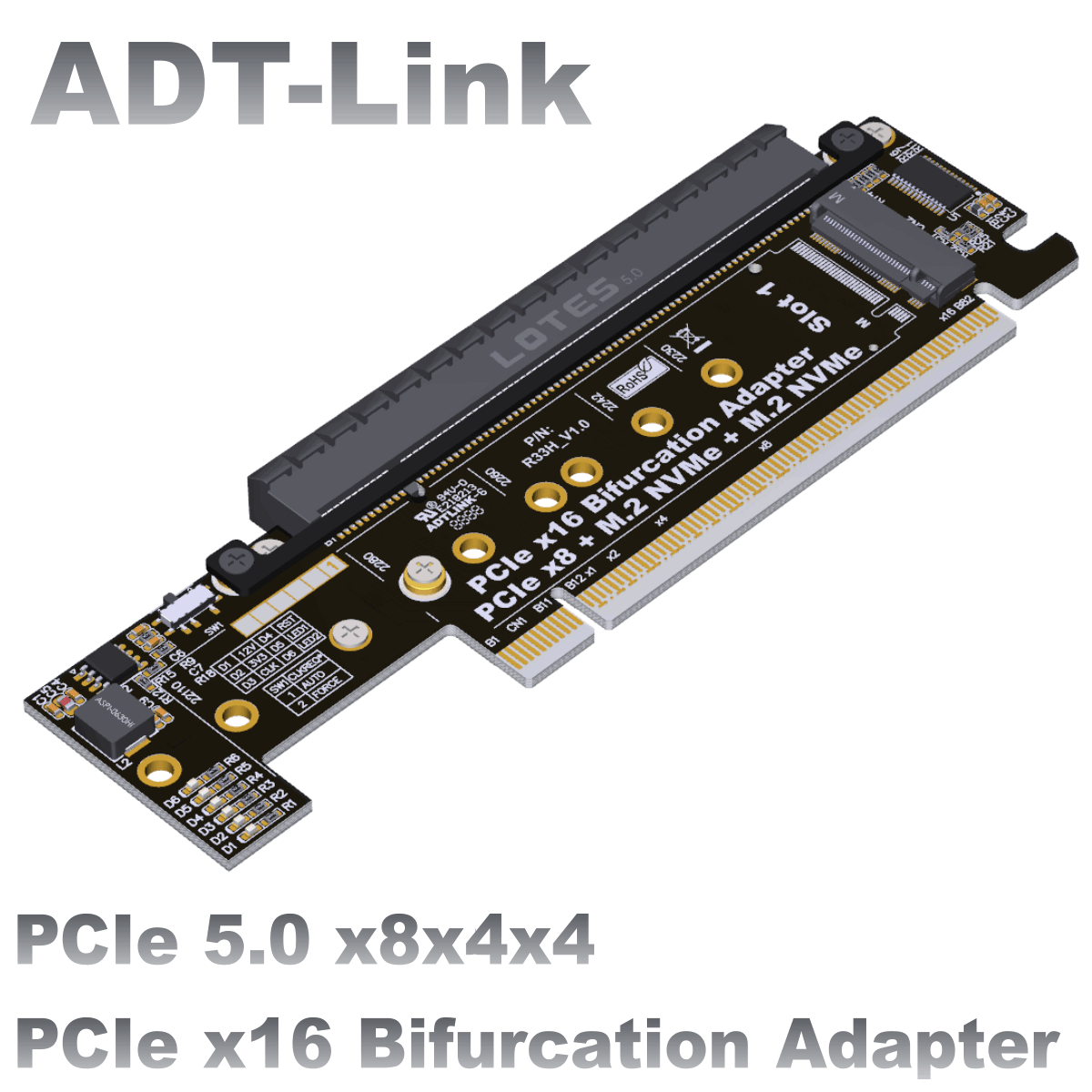
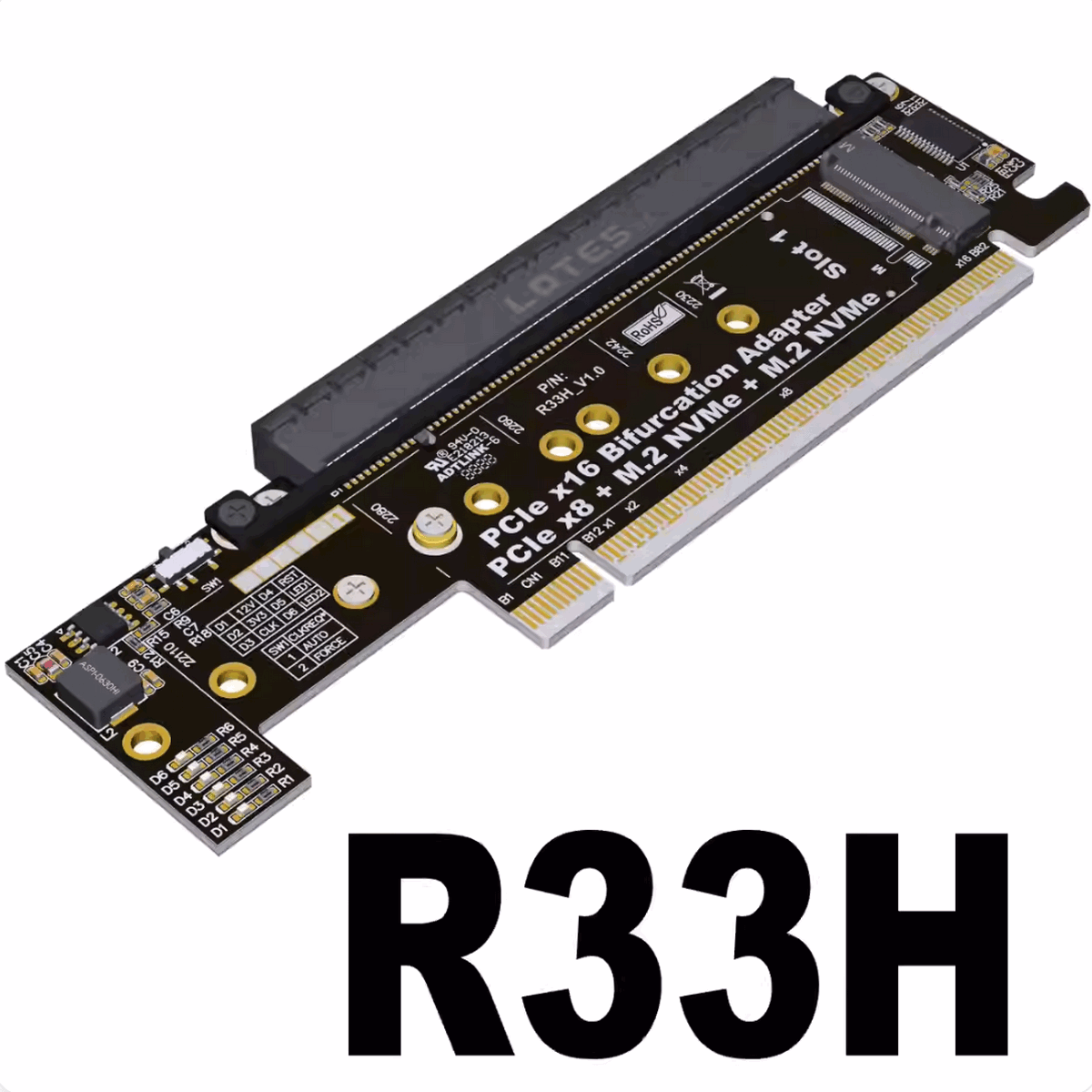
ADT-R33H
- Product ID: R33H
- Interface: PCIe x16 / PCIe x16/M.2 NVMe
- Transfer speed:PCIe 5.0 x8+PCIe 5.0 x4+PCIe 5.0 x4
- Shelf time:2025-12-12
- Product description: R33H PCIe 5.0 x16 to x8x4x4 half height to full height split adapter

|
PCIe x16 male to x16 female+2xM.2 NVMe Adapter
Brand name: ADT-LINK
Product name: PCIe x16 male to x16 female +2xM.2 NVMe Adapter
Product model: R33H
Transfer speed: PCIe 5.0 x8+PCIe 5.0 x4+PCIe 5.0 x4
Weight: 20g
Working temperature: -40 ℃~80 ℃
Flame retardant grade: 94V0
Application: PCIe 5.0 x16 to x8x4x4 half height to full height split card
Features:
1. Supports PCIe 5.0 x8+PCIe 5.0 x4+PCIe 5.0x4 full speed transmission, compatible with Gen3/Gen4/Gen5
2. Voltage stabilization circuit design ensures stable voltage during the operation of the hard disk, ensuring the release of hard disk performance
3. Half height to full height height increase design, half height card expansion is more convenient
4. Multi fixed hole design, compatible with full-size SSDs
5. LOTES connector, made of LCP flame-retardant high-temperature resistant plastic steel material
6. High frequency, low resistance, high temperature, and oxygen resistant PCB board, with no deformation, yellow crystal, semi transparent color, no whitening, and no blackening
Photo:
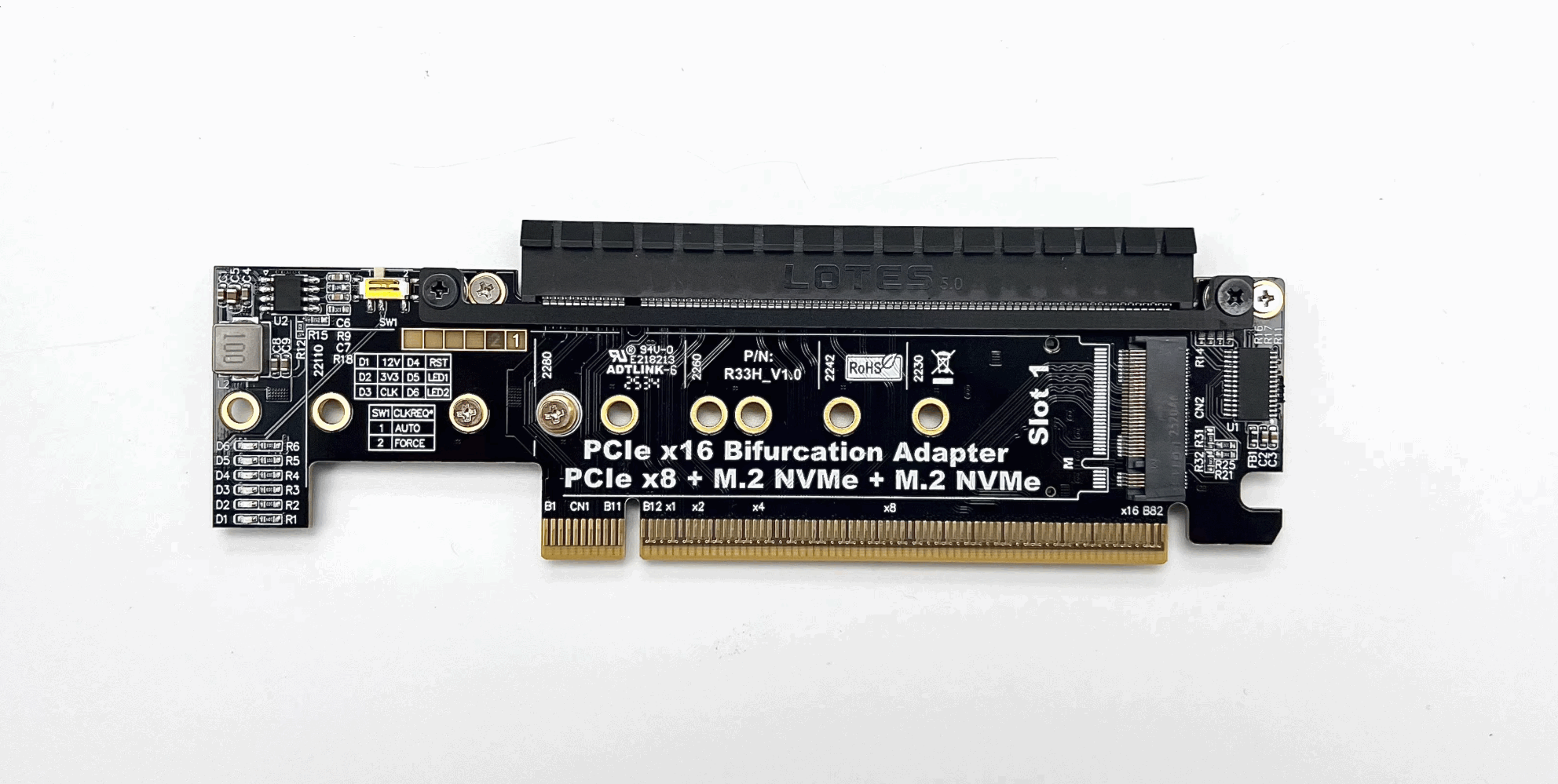
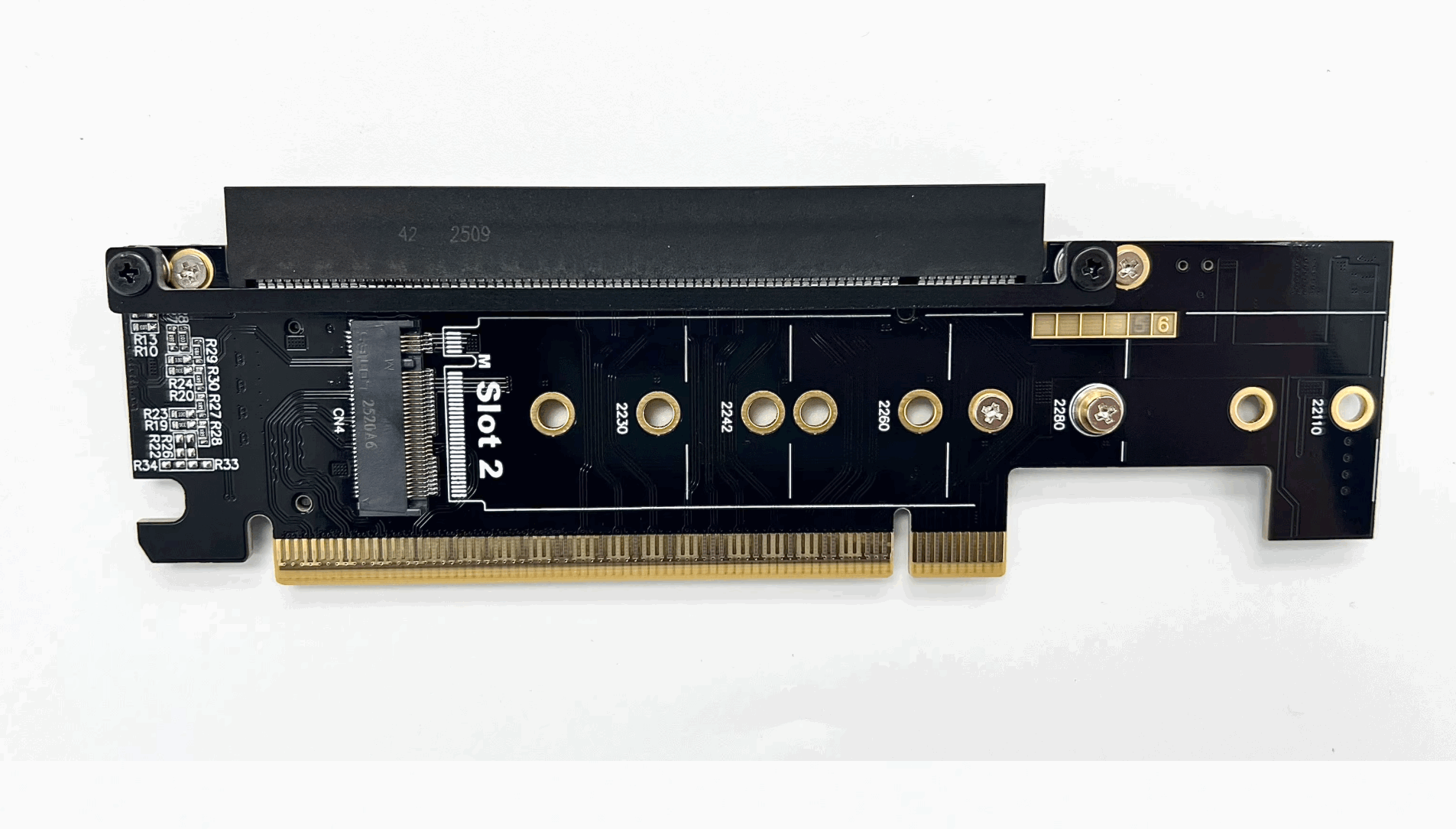
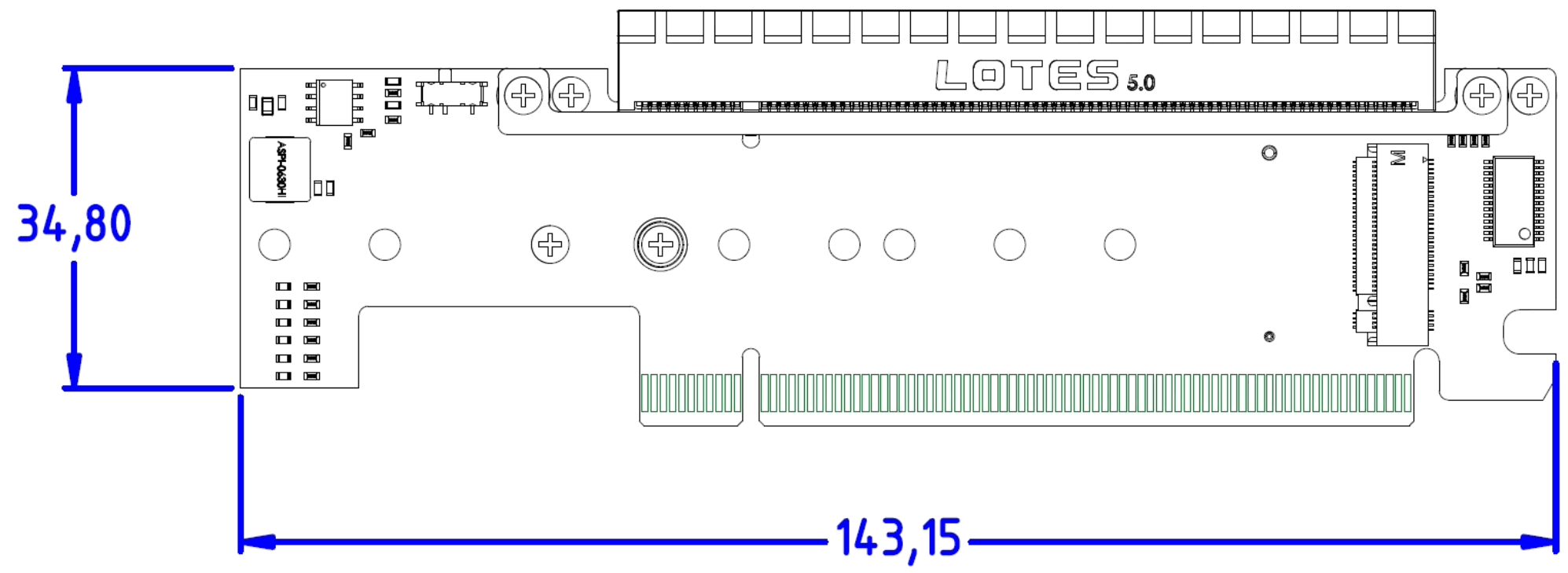
Does model R33H support PCIe 5.0?
All slots of R33H support PCIe 5.0 full speed transmission.
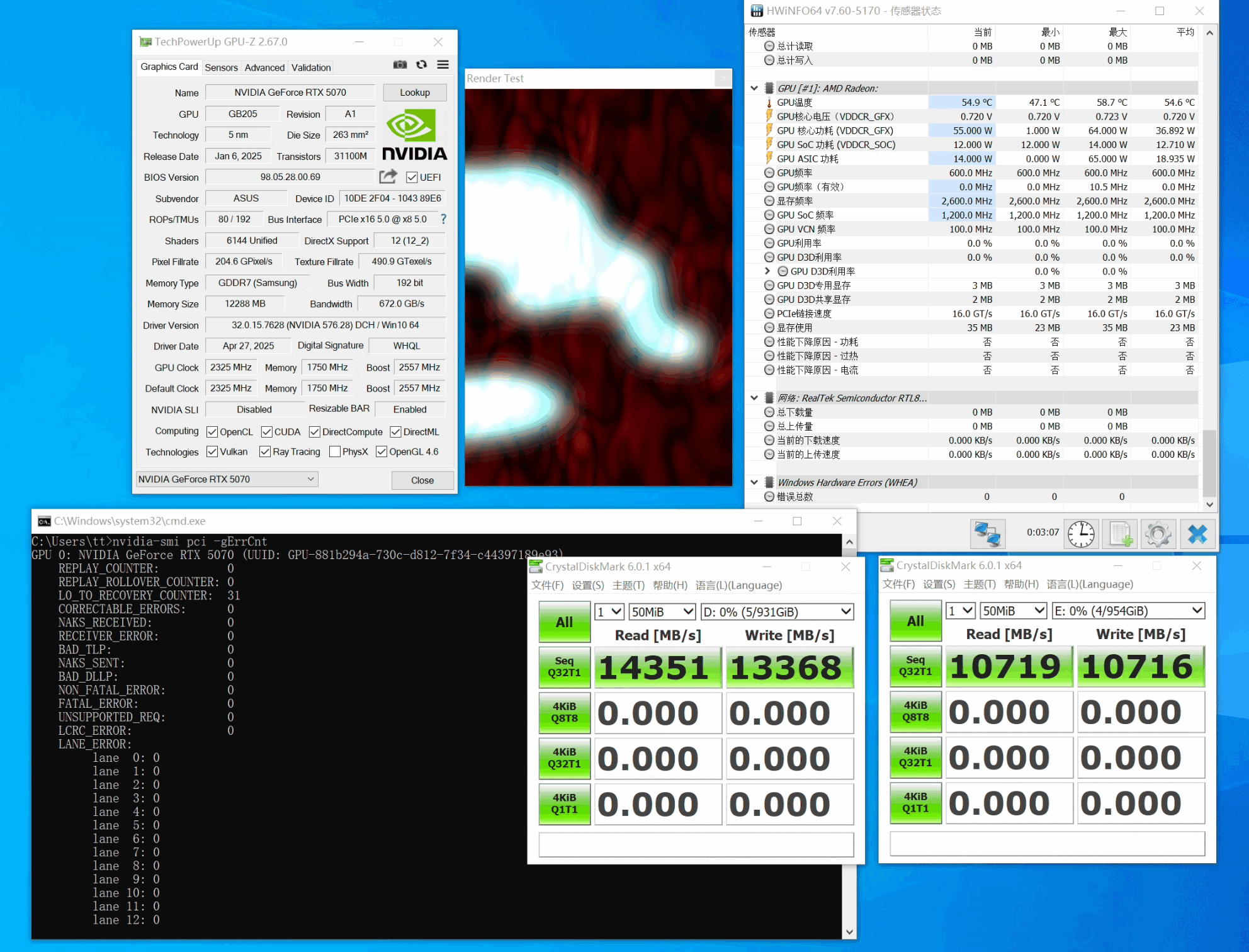
How to view the indicator lights on the product?
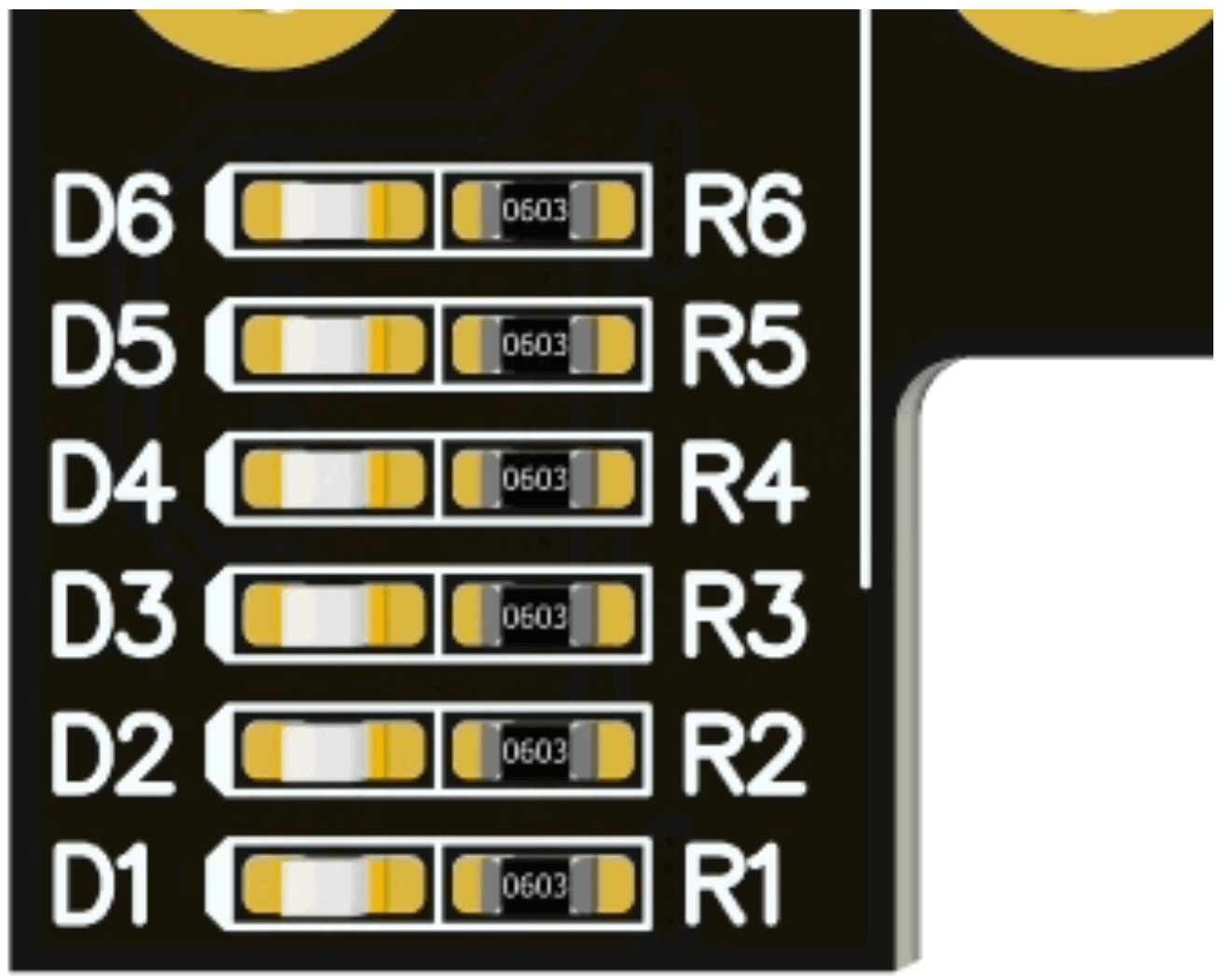
D1 represents the 12V power supply of the adapter card, D2 represents the 3.3V power supply of the adapter card. During computer use, D1 and D2 are normally on; The D3 light is the CLKREQ # indicator light, which remains on during normal use of the adapter card; D4 is the RESET # indicator light, which flashes when the computer is turned on or off and is turned off during normal use; D5 is the hard disk read-write light for Slot1, D6 is the hard disk read-write light for Slot2. When the hard disk is in read-write state, the indicator light will flash.
What is the function of the switch on the product?
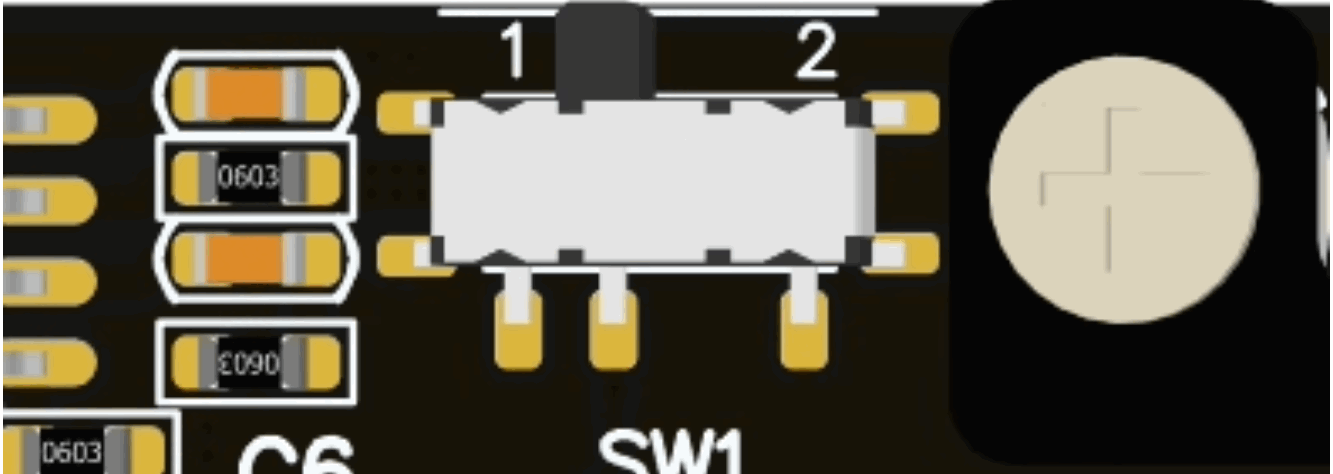
Five years ago, some old graphics cards did not support the CLKREQ signal. If the CLKREQ signal light did not light up, you could simply toggle the micro switch to 2 without entering the BIOS for settings, which improved compatibility and convenience.
Why can only one disk be recognized after splitting the motherboard settings?
Please first check if the motherboard split is set to x8x4x4 or GPU With M.2 Storage. Once set, you can use the adapter card for full functionality; If the BIOS is set to x4x4x4 or RAID mode, the PCIe expansion slot can only recognize x4, and both SSDs can recognize it; If the BIOS is set to x8x8, the PCIe expansion slot can recognize x8, but only one SSD can be recognized. It is recommended to install the SSD in Slot 1 at this time. Secondly, please confirm whether the slot where the adapter card is located supports PCIe x16 full bandwidth operation. Please refer to the motherboard manual for details.
How to confirm whether the motherboard supports Bifurcation PCIE split?
Please check your motherboard manual, manual or BIOS option will explain Bandwidth PCIE channel splitting or Bifurcation option. If not mentioned then not supported, option please choose 4x4 or x4x4x4x4
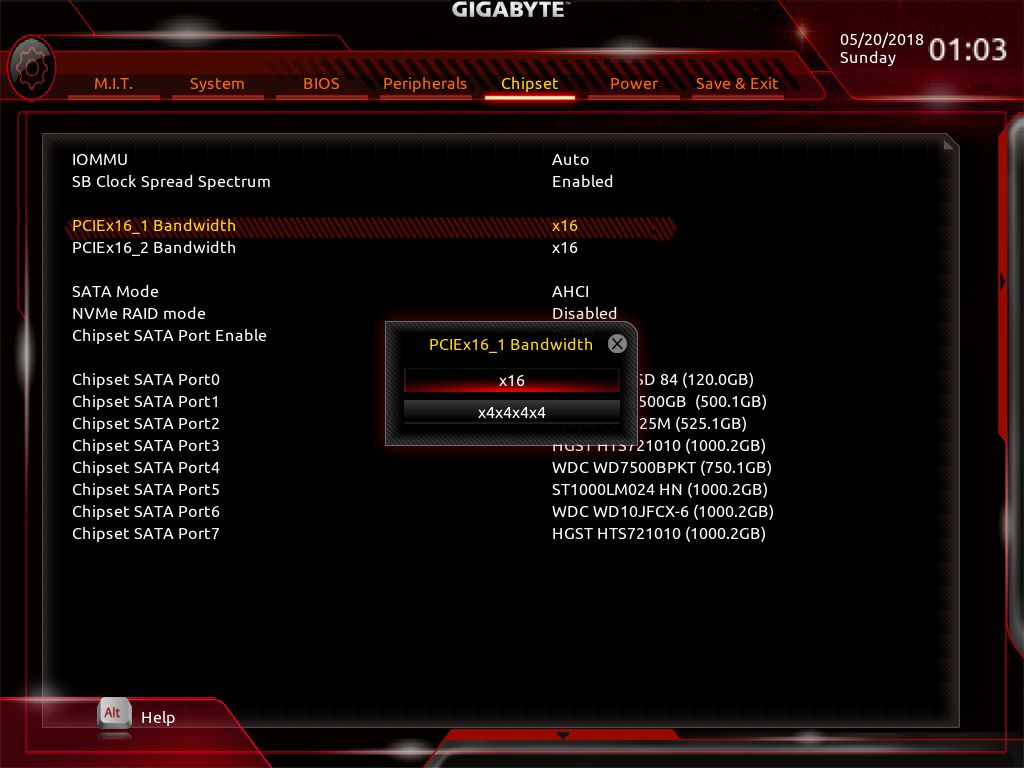
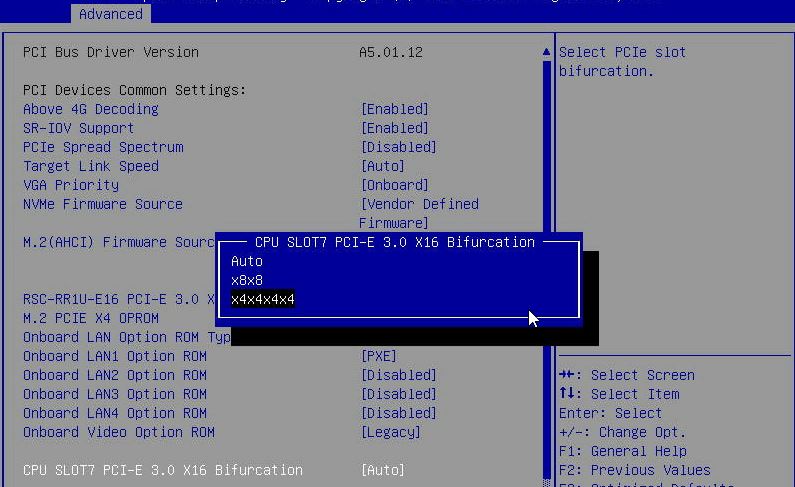
ASUS motherboard supported models and split technical instructions
https://www.asus.com/support/FAQ/1037507
Download:
To open 3D PDF files. Please use Adobe Reader DC software.
FTP: Los Angeles
3D model files download https://www.adt.link/download/ADT_R33H_3D.zip
FTP: Hong Kong
3D model files download https://www.adtlink.cn/download/ADT_R33H_3D.zip
WebShop:
http://www.adt.link/product/R33H-Shop.html


Categories
- PCIe x1 Extension Cable
- PCIe x4 Extension Cable
- PCIe x8 Extension Cable
- PCIe x16 Extension Cable
- M.2 NVMe Extension Cable
- M.2 WiFi Extension Cable
- mini-PCIe Extension Cable
- OCuLink/AI Cable
- PCIe/USB Adapter
- GPU Extension Cable
- HDMI Extension Cable
- DP Extension Cable
- SD Card Extension Cable
- USB Extension Cable
- CFexpress Extension Cable
- FPC Extension Cable
- Other
- Discontinued
Latest News
Contact Us
Contact: adt-sales@adt.link
Phone: +86-13917664762
Tel: 021-65312041
Add: